TRANSCRIPTION GENERATOR FOR VIDEO AND AUDIO
Paste a YouTube, TikTok, Instagram, X, Facebook, or RedNote link, or upload an audio file. Get back a clean, searchable transcript and subtitle files your editor already understands.
96%+
Accuracy
<1 min
Short clips
100+
Languages
Free account: 3 previews a week, each covering the first minute. A full transcript uses 1 credit (from 6¢), and failed runs are refunded.
Only submit public videos you own or are authorized to access.
Works with
- Source
- Video link
- Output
- TXT / SRT / VTT
- Cost
- 1 credit
Sample transcript
- 00:00
Three things I wish I knew before my first trip to Lisbon.
- 00:03
One, the hills are steep, so bring comfortable shoes.
- 00:06
Two, go to the viewpoints at sunset, not at noon.
- 00:09
Three, the best pastries are in tiny neighborhood bakeries, not the famous one with the long line.
- 00:15
Save this for your trip.
One transcription generator for everything people say on camera
Scriora turns video and audio into transcripts you can search and reuse. Capture the words, keep the timing, and move from watching to making with less manual work.
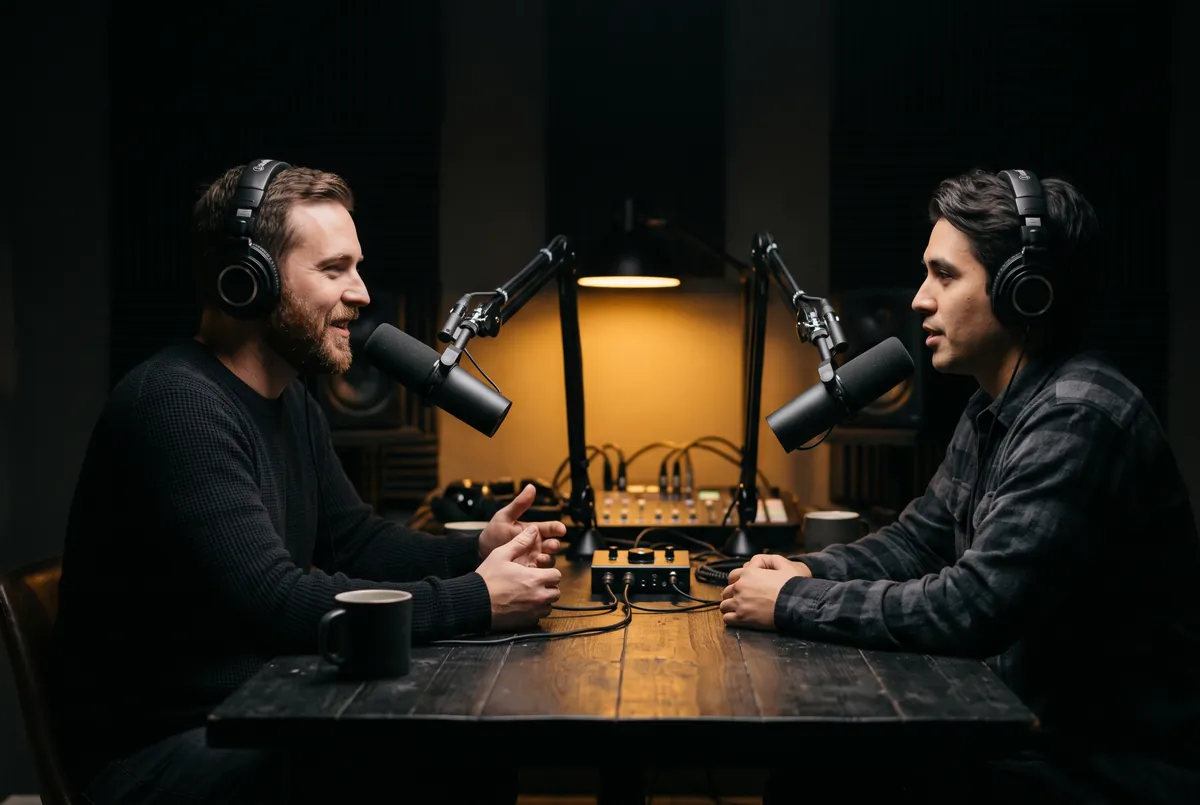
Podcast Transcript
Show notes and quotes from every episode.

Instagram Transcript
Captions and posts from your own Reels.

YouTube Translator
Follow a video in a language you do not speak.
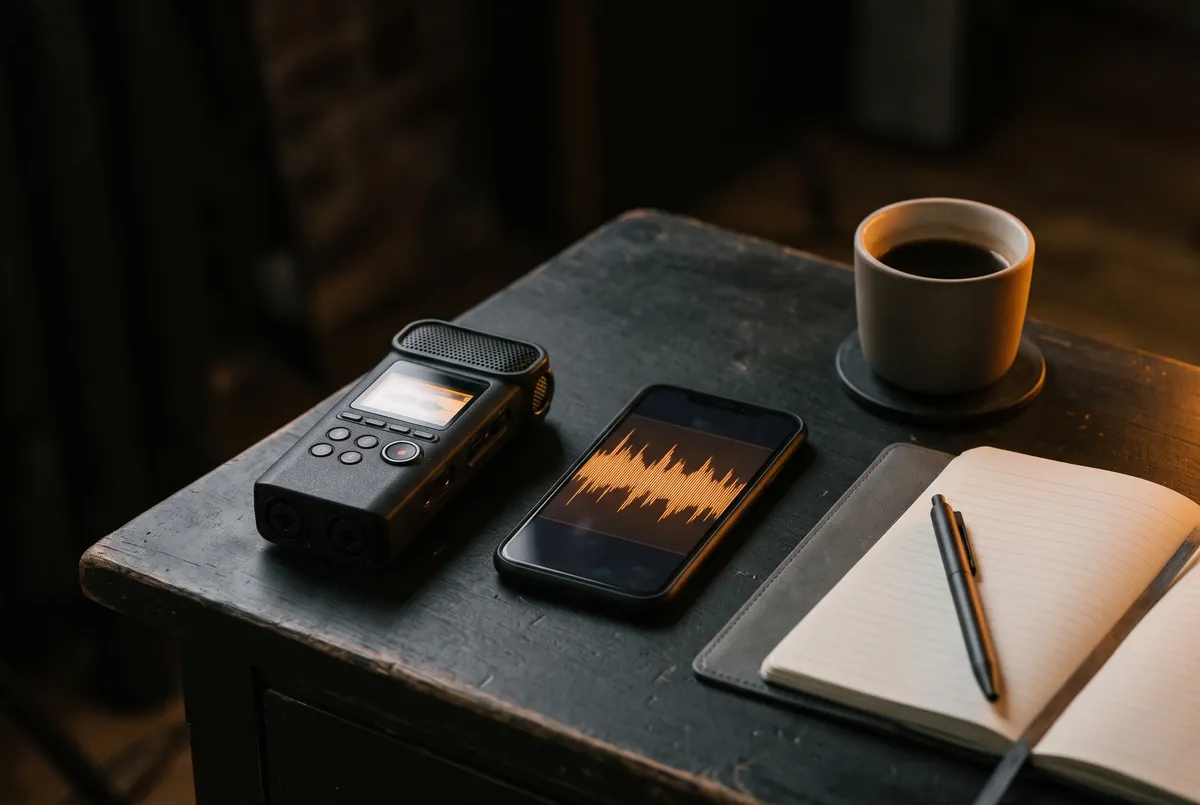
Audio to Text
Interviews, lectures, and voice memos as text.
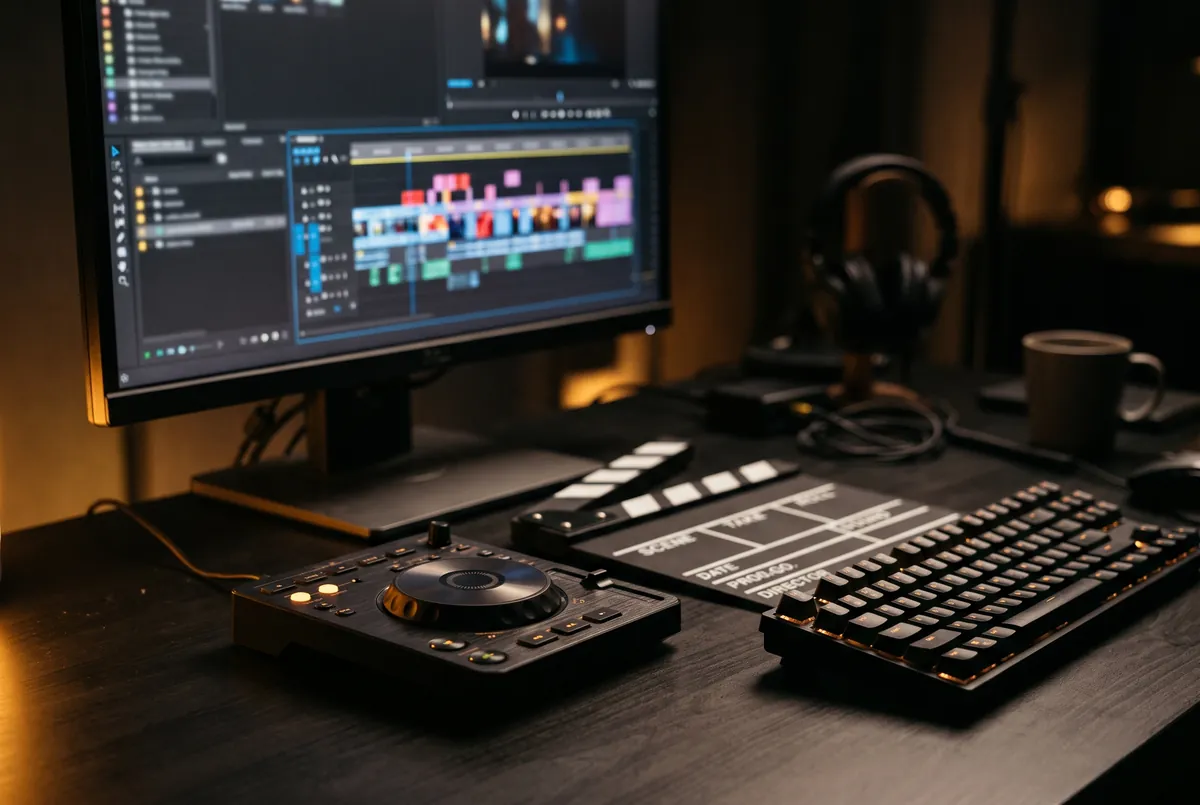
Timestamped Transcript
Find the second a quote was said, then cut on it.
From video to transcript in three steps
- Take 1
Paste a video link
A public YouTube, TikTok, Instagram, X, Facebook, or RedNote link, or upload an audio file.
- Take 2
Get the transcript
Speech becomes timed text segments, usually within seconds for a short clip.
- Take 3
Copy or export
Copy the text, or download TXT, SRT, or WebVTT.
Export in the format you need
Every finished transcript ships in all three: your editor, your course platform, and your archive each get what they read natively.
.txt
Plain text
.srt
SubRip subtitles
.vtt
WebVTT captions
Frequently asked questions
Your next transcript is a link away.
Start with a public video link and see the workflow for yourself.