Transcribe audio into text
UPLOAD AND TRANSCRIBE
Upload an MP3, M4A, or WAV file. Scriora transcribes the whole recording into timed text you can copy or export.
Free account: 3 previews a week, each covering the first minute. A full transcript uses 1 credit (from 6¢), and files use 1 per 10 minutes, and failed runs are refunded.
Audio: MP3 or WAV up to 50 MB, M4A up to 25 MB. Video: MP4, MOV, or WebM up to 500 MB, read in your browser so only the audio is sent. Only upload recordings you have permission to transcribe.
- Source
- MP3 / M4A / WAV
- Output
- TXT / SRT / VTT
- Cost
- 1 credit
What an audio to text transcription looks like
- 00:00
Quick recap from today's planning meeting.
- 00:02
We agreed to launch the new Help Center on Monday.
- 00:05
Maria will finish the billing articles by Friday and Dev will set up redirects from the old pages.
- 00:10
The open question is search.
- 00:12
We'll test two options this week and decide on Thursday.
How audio to text transcription works
- Take 1
Upload an audio file
Drop in an audio file (MP3, M4A, or WAV), such as an interview, lecture, or call.
- Take 2
Transcribe the audio
Speech becomes timed text segments, the same way video links do.
- Take 3
Copy or export
Take TXT for notes, or SRT and WebVTT for captions.
Audio to text transcription exports
The same three files as video transcripts: plain text, plus two timed caption formats.
.txt
Plain text
.srt
SubRip subtitles
.vtt
WebVTT captions
Who transcribes audio into text
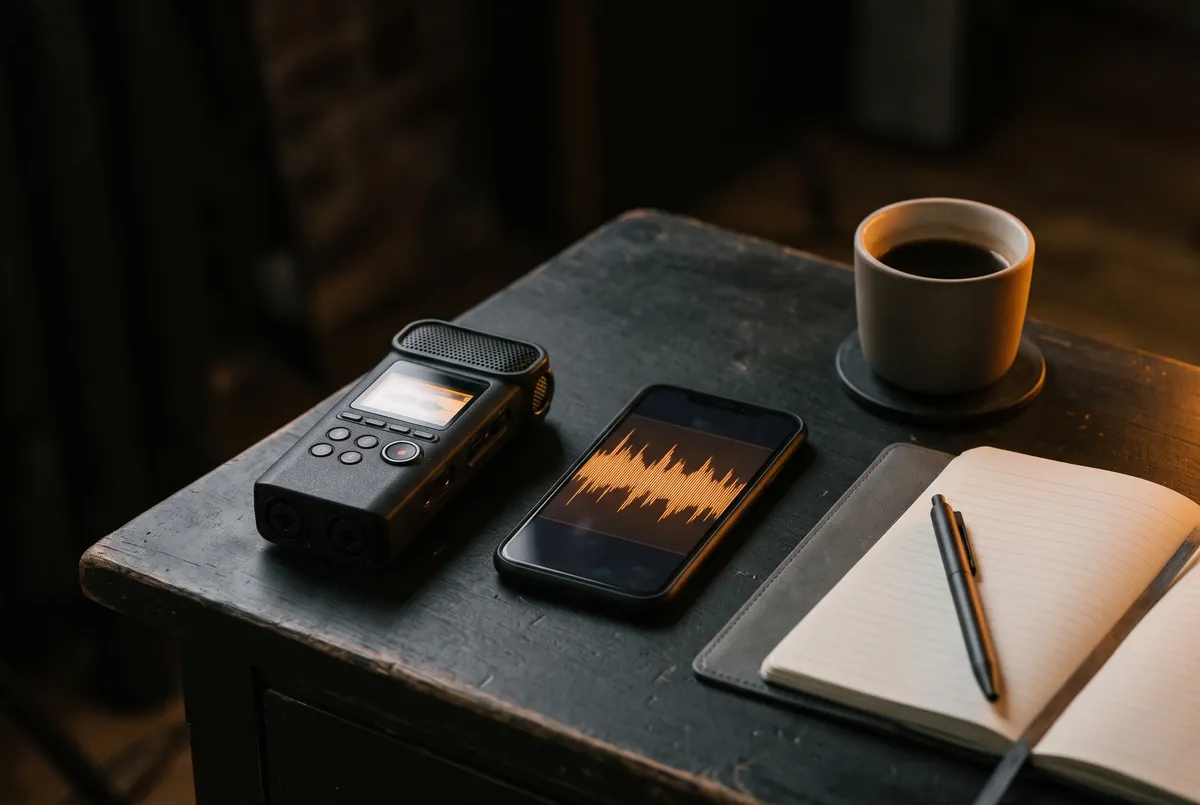
Interviews, lectures, and meetings are easier to search, quote, and share once they are text. Upload the file straight from your phone or recorder; there is no need to convert it first.
Voice memos and dictated notes work the same way. Copy the text into your notes app, or keep the SRT if the audio will be published with captions.
Frequently asked questions
Audio to Text is a file away.
Every account gets 3 free previews a week. Failed runs are refunded.