Generate subtitles from video
SRT AND WEBVTT
Upload a video file or paste a public link, and download timed subtitle files. They are plain SRT and WebVTT, so there is no watermark and nothing burned in.
Free account: 3 previews a week, each covering the first minute. A full transcript uses 1 credit (from 6¢), and failed runs are refunded.
Only submit public videos you own or are authorized to access.
Works with
- Source
- Video link
- Output
- TXT / SRT / VTT
- Cost
- 1 credit
What generated subtitles look like
- 00:00
This is the smallest camera I've ever traveled with. It fits in my jacket pocket. The battery
- 00:05
lasts a full day and it shoots stabilized video while I walk. The only catch is the microphone.
- 00:11
On windy days, you'll want the little foam cover. Let's see how it does on a windy morning in the
- 00:16
harbor.
How to generate subtitles from a video
- Take 1
Upload the video or paste its link
An MP4, MOV, or WebM file up to 500 MB, or a YouTube, TikTok, Instagram, X, or Facebook link. For a file, your browser sends only the audio.
- Take 2
Generate timed subtitles
Speech becomes timed cues. YouTube videos that already have captions keep their own timing.
- Take 3
Import the subtitle file
Add the SRT or WebVTT file in YouTube Studio, Premiere Pro, DaVinci Resolve, or your video player.
SRT and WebVTT subtitle files, no watermark
Sidecar files that sit next to your video.
.txt
Plain text
.srt
SubRip subtitles
.vtt
WebVTT captions
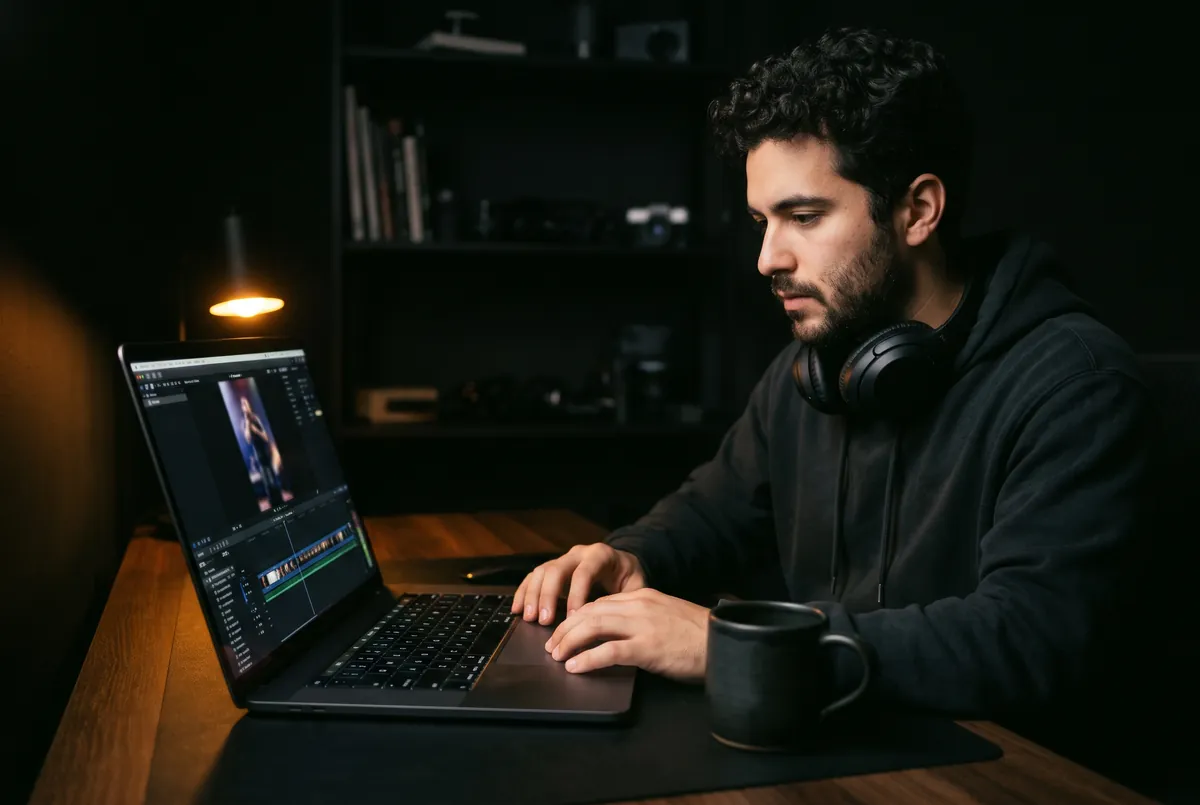
Who generates subtitles from video
YouTubers and video editors who need an SRT file for YouTube Studio, Premiere Pro, or DaVinci Resolve without typing captions by hand.
Short-form creators who caption every video, because many people watch with the sound off.
Frequently asked questions
Subtitle Generator is a link away.
Every account gets 3 free previews a week. Failed runs are refunded.